Traffic
Maps and key value lookups
A map reads one thing about a request, works down a list of rules, and sets a value. It is the most technical thing in the traffic group and you can skip it until you need it.
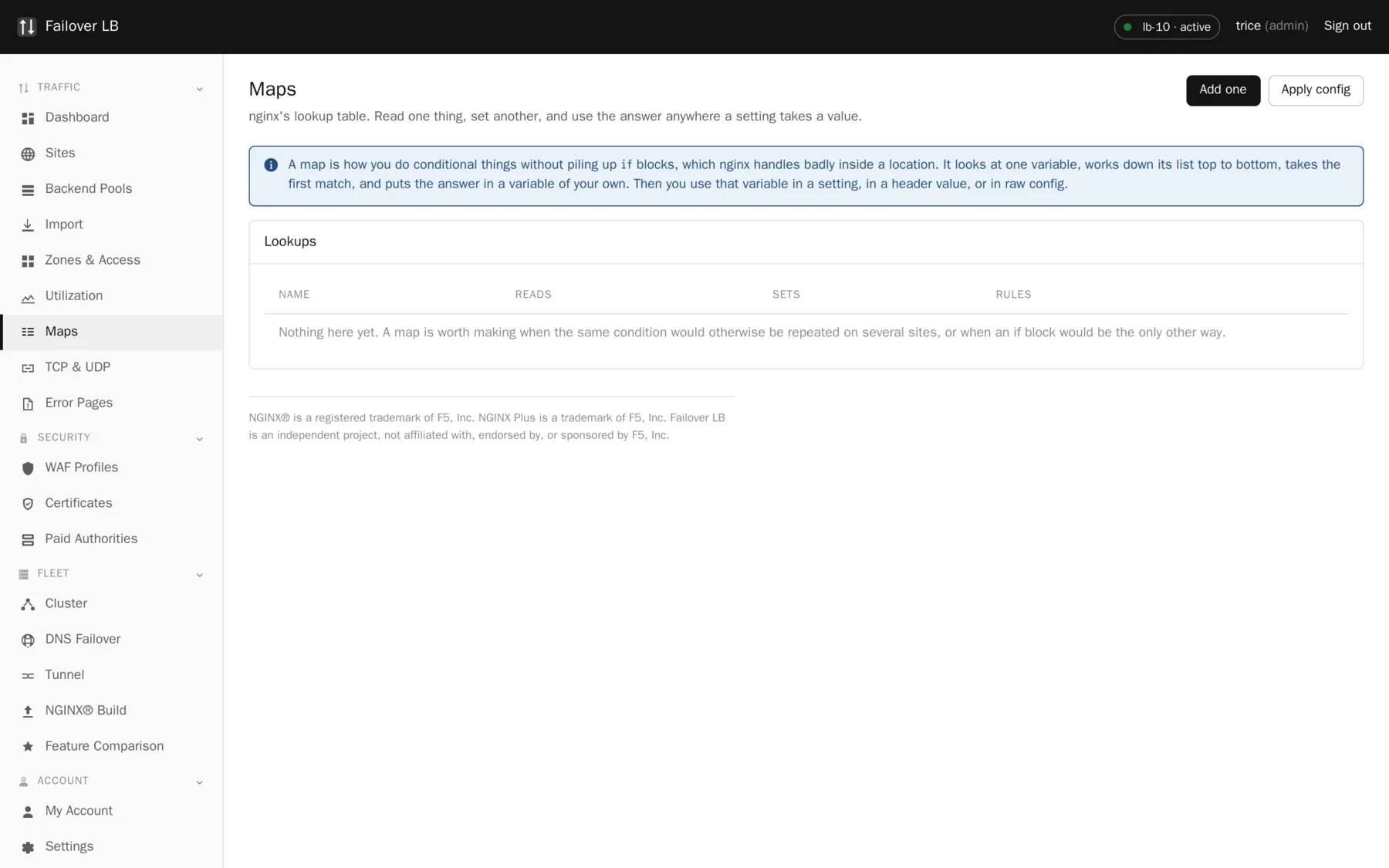
What it is for
Doing something conditionally without repeating yourself. If three sites all need to treat requests from mobile browsers differently, one map does the deciding and all three sites use the answer.
Common uses are blocklists, redirect tables, feature flags, and picking a backend based on something about the request.
Making one
- Choose what it reads. The browser type and the requested host are the common ones.
- Say what variable it sets. This is a name you invent, and you then use it elsewhere as a setting value.
- Add the rules, most specific first. The first match wins.
- Say what to use when nothing matches.
A plain word matches exactly. Starting a rule with a squiggle makes it a pattern rather than a fixed word, and a squiggle followed by a star makes the pattern ignore capital letters.
Checked before it is saved
The variable a map sets is validated here. A name nginx does not recognize would stop nginx starting on every server at once, so it is refused at the point of typing rather than at the point of applying.
The paid key value store, and the difference
NGINX Plus has keyval, a lookup table you can change over its API with no reload.
People use it for dynamic blocklists, feature flags and redirect maps.
Free nginx has map, which does the same lookup but is read from the config when it
loads. So here you edit the pairs in the GUI or push them over the
JSON API, and the manager writes the map file and reloads.
| NGINX Plus keyval | Failover LB maps | |
|---|---|---|
| Lookup speed | Fast | Identical, it is a normal nginx map |
| Update cost | No reload | One graceful reload |
| Good for | Thousands of updates a minute | A blocklist you change a few times an hour |
A reload is cheap and graceful, but it is not free, so this is a poor fit for something you would change constantly. For a blocklist that changes a few times an hour it is exactly as good.
Common questions
How many entries can a map hold?
nginx handles very large maps well. Tens of thousands of entries is not a problem for lookup speed. The practical limit is how long you are willing to spend rendering and reloading the config.
Can I update a map from a script?
Yes, through the JSON API. That is the usual way people drive a blocklist from something else.
Do maps sync between nodes?
Yes, like everything else in the configuration. A map edited on the active node is on every node at the next apply.
Step by step instructions
The how to section has searchable, task shaped answers. Search it for map.