Traffic
Caching
Done well, caching is the cheapest speed improvement available. Done carelessly it is a data breach. This page covers both halves.
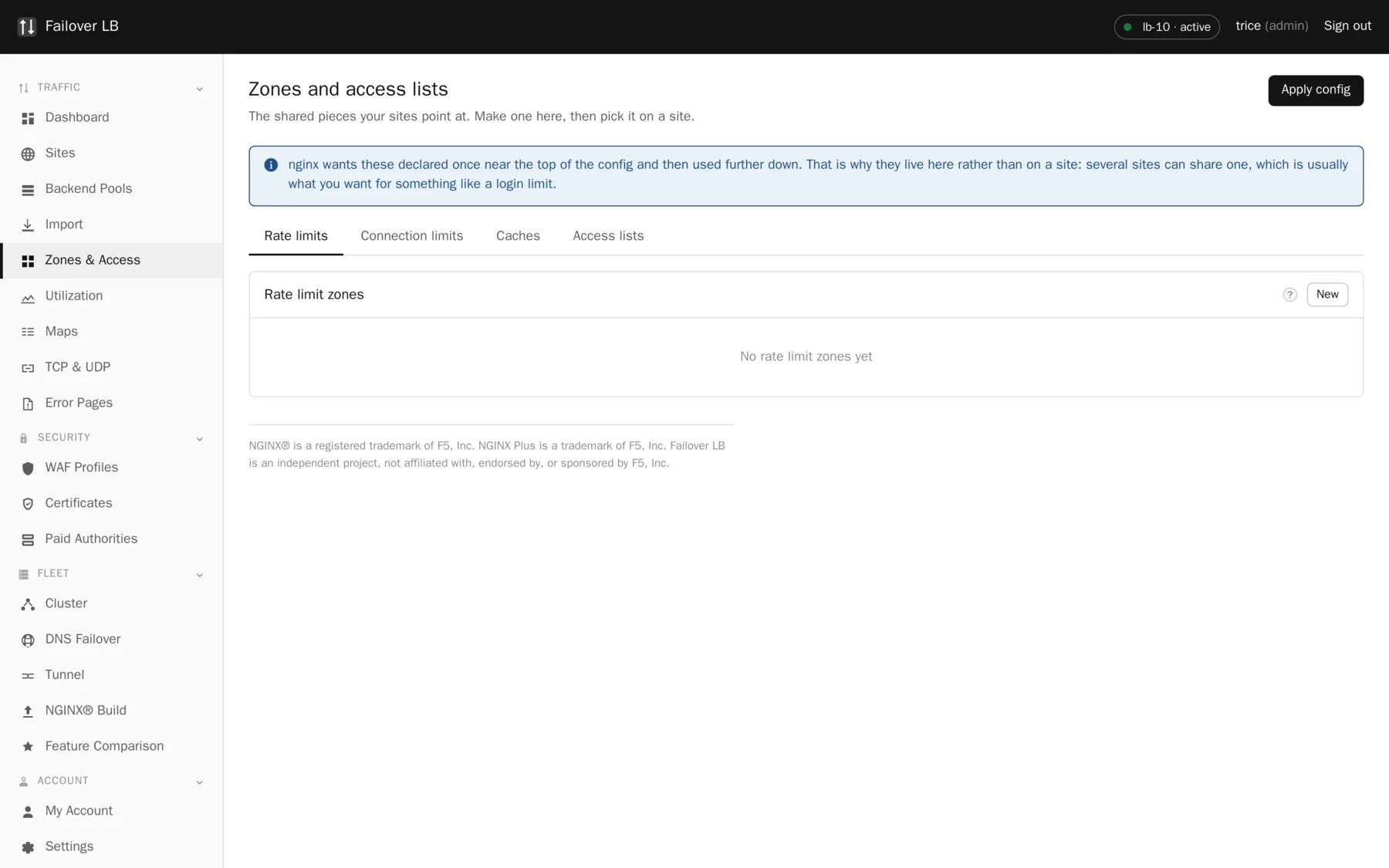
Why caches live on their own page
nginx wants these declared once near the top of its configuration and then used further down. That is the reason a cache is not a setting on a site. It also turns out to be what you want, because several sites can share one cache zone and one disk budget.
Making a cache zone
| Setting | What it does | Usual value |
|---|---|---|
| Name | What you pick it by on a site. | static-files |
| Folder | Where on disk the copies are kept. | /var/cache/nginx/static |
| Memory for the index | Space for the list of what is cached, not the copies themselves. | 10m |
| Maximum size | How much disk the copies may use before the oldest are thrown away. | 1g |
| Inactive | Throw something away if nobody has asked for it in this long, even if there is room. | 60m |
The classic caching accident
Cache static things: images, stylesheets, scripts, downloads. Be careful with anything that differs per visitor. A cached page belonging to one signed in user being served to another is not a glitch, it is a data breach, and it is the single most common way caching goes wrong. If a response depends on a cookie or an authorization header, either do not cache it or make sure the cache key includes that.
What is worth caching
- Almost always: images, fonts, stylesheets, compiled scripts, PDFs and other downloads.
- Often: API responses that are the same for everybody, such as a public price list or a product catalog.
- Sometimes, with care: whole pages for signed out visitors, keyed so that a signed in visitor never gets one.
- Never: anything that depends on who is asking, unless the cache key says who is asking.
Checking it is working
The generated log format includes $upstream_cache_status, so you can see HIT, MISS,
BYPASS and EXPIRED per request in the access log. A cache that never reports HIT is a cache that
is costing you disk and giving you nothing, and the usual reason is a response header from your
application telling nginx not to store it.
Common questions
Where does the cache live in a cluster?
On each node separately, on that node's disk. Nodes do not share cached objects, so a warm node and a freshly restarted node behave differently for a while.
Can I clear the cache?
nginx is built with the cache purge module, so purging is available. The blunt approach of deleting the folder and reloading also works and is sometimes the honest answer.
Does caching help with a slow backend?
For repeated requests, enormously. For the first request to each unique URL, not at all. If everything is slow and nothing repeats, caching is not your problem.
Step by step instructions
The how to section has searchable, task shaped answers. Search it for cache.